
Professional-Grade Tools for Browser Privacy Audits
When people search for "professional-grade tools," they usually mean equipment built for demanding work: precise, durable, and trustworthy under pressure. In browser privacy and fingerprinting, the same standard applies. A professional-grade testing tool doesn't just show a pretty dashboard. It reveals what websites actually see, flags leaks and mismatches, and gives you repeatable evidence you can act on.
This article explains how to evaluate browser privacy tools at a professional level, what to test, how to interpret results, and where BrowserScan fits into a serious audit workflow.
What Makes a Browser Privacy Tool Professional-Grade?
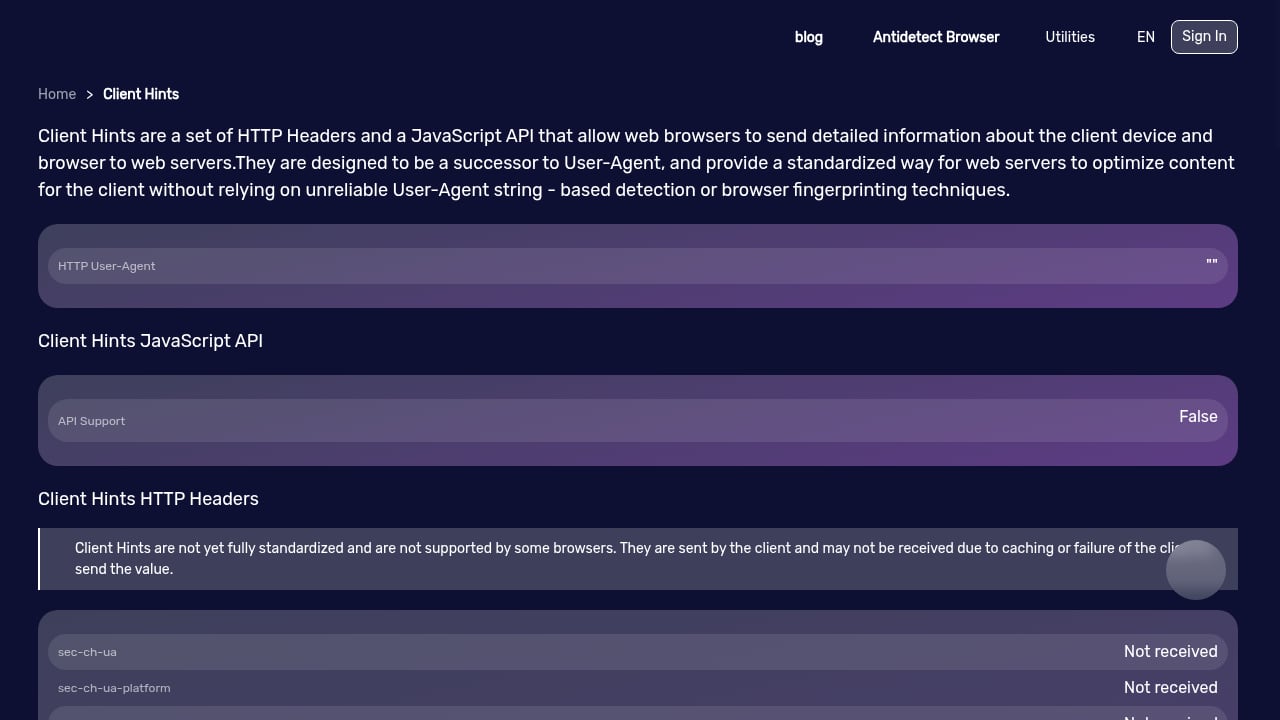
First viewport screenshot of www.browserscan.net.
Professional-grade tools share a few traits that separate them from casual checkers.
- Coverage: They test multiple surfaces, not just one. That means fingerprint attributes, IP and location signals, DNS behavior, WebRTC exposure, and automation indicators.
- Accuracy and transparency: They explain what each signal means and avoid vague scores without context.
- Repeatability: You can run the same test before and after a configuration change and compare results.
- Actionable output: Results point to specific fixes, such as disabling a leaky feature or correcting a proxy mismatch.
- Privacy respect: The tool itself should not create new exposure while measuring yours.
A consumer checker might tell you "your browser is unique." A professional-grade tool tells you which attributes make you unique, how they combine, and what an anti-fraud system might infer.
The Core Tests in a Professional Browser Audit
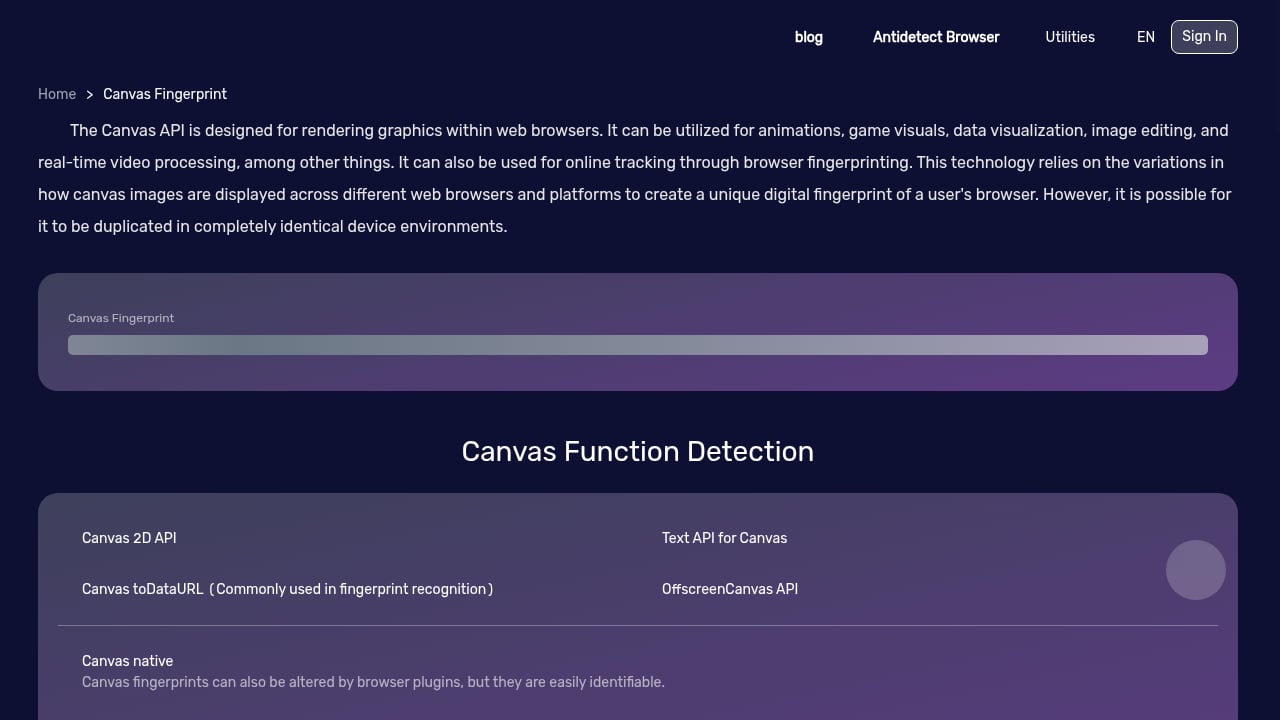
First viewport screenshot of www.browserscan.net.
Fingerprint and Authenticity Scoring
Browser fingerprinting combines signals like user agent, screen size, timezone, fonts, canvas rendering, and WebGL output. A professional audit looks at the full fingerprint and asks whether it is internally consistent. A fingerprint authenticity score helps here: it summarizes how coherent your browser profile appears, which matters when you test proxy or VPN setups.
For a deeper explanation of how uniqueness is calculated, see Fingerprint Uniqueness Score: What It Reveals About You.
DNS and WebRTC Leak Tests
Leaks are where privacy setups fail quietly. A DNS leak test shows which resolvers your browser actually uses, while a WebRTC leak test reveals whether real IP information can escape through peer connection APIs. Professional-grade testing treats both as mandatory checks, especially after changing network configurations.
Proxy, Blacklist, and Bot Detection
If you rely on proxies or automated browsers, detection matters. Professional tools check whether your IP appears on blacklists, whether proxy signals are visible, and whether the browser looks automated. Bot detection is not just for fraud teams; it helps developers verify that test environments behave like real user browsers.
Browser Kernel and Plugin Detection
Browser kernel detection identifies the underlying engine and version, which helps spot spoofed user agents. Plugin detection adds another consistency layer: mismatches between claimed and actual capabilities are a common fingerprinting red flag.
How to Run a Professional-Grade Audit with BrowserScan
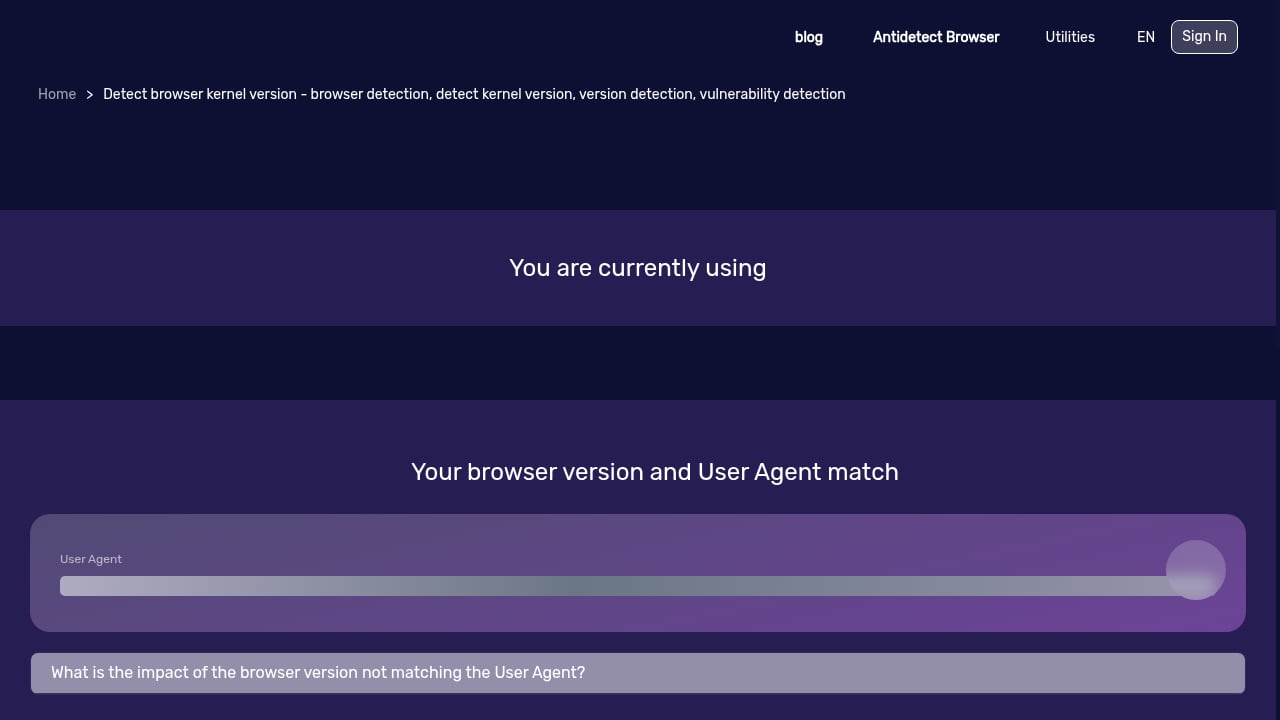
First viewport screenshot of www.browserscan.net.
BrowserScan is a free online tool that analyzes your browser's fingerprint and shows what websites can see, including IP address, location, browser details, and potential privacy leaks. It bundles detection utilities such as DNS leak testing, WebRTC leak testing, bot detection, browser kernel detection, and plugin detection.
A practical workflow looks like this:
- Baseline test: Run a full fingerprint and leak scan on your normal browser profile. Save the results.
- Change one variable: Enable your proxy or VPN, or switch browser profiles.
- Re-test: Compare fingerprint, IP, DNS, and WebRTC results against the baseline.
- Check consistency: Look for mismatches between timezone, location, language, and IP.
- Document and fix: Record discrepancies and adjust settings, then repeat until signals align.
For teams using anti-detect browsers, pairing a fingerprint tester with profile configuration is essential. The BrowserScan with Nstbrowser workflow shows how to configure profiles and resolve mismatches for cleaner multi-accounting.
Comparing Professional-Grade Testing Options
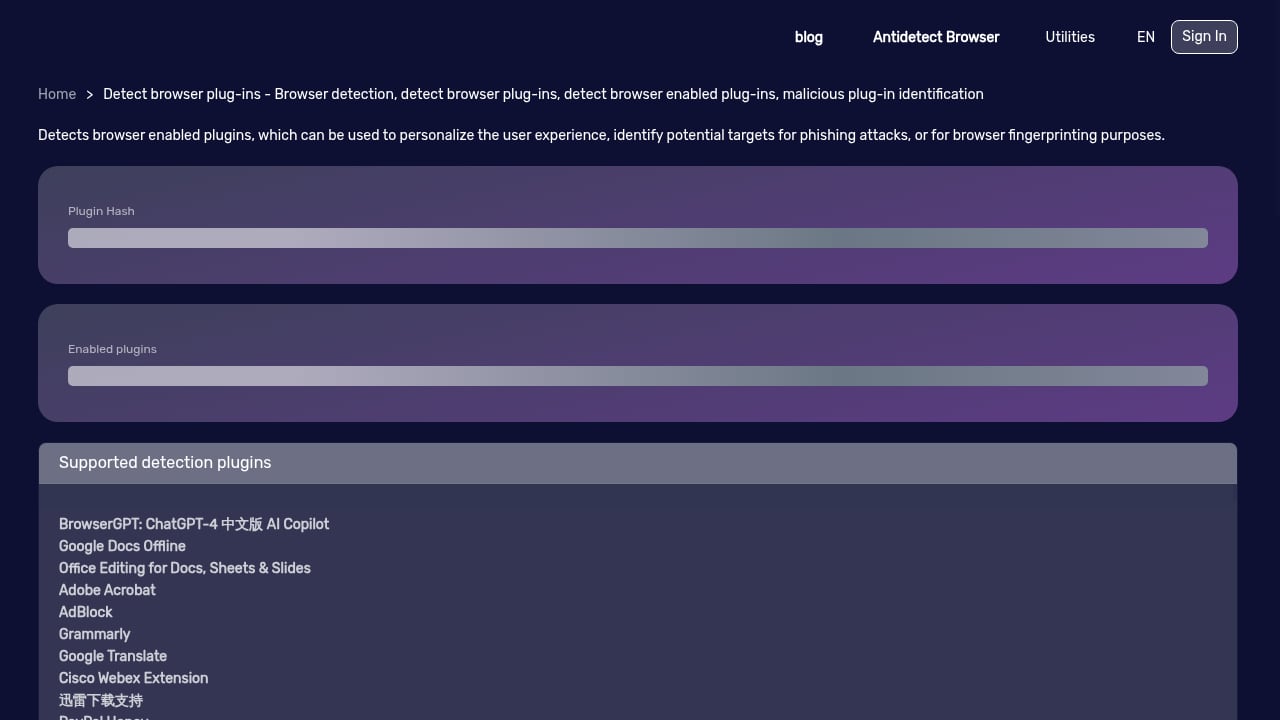
First viewport screenshot of www.browserscan.net.
The market includes several categories of tools, and each serves a different purpose.
| Tool type | Strength | Limitation |
|---|---|---|
| Full privacy suites like BrowserScan | Broad coverage: fingerprint, leaks, bot and kernel detection | Requires interpretation of results |
| Research-focused fingerprint tests | Detailed entropy and uniqueness data | Narrower scope, less leak testing |
| Vendor browser checkers | Simple pass/fail checks | Limited transparency into signals |
If you want a structured comparison, the BrowserScan vs BrowserCheck breakdown contrasts fingerprinting depth, leak tests, and ease of use. For a broader view of the category, the 2026 ranking of browser privacy and fingerprinting test suites scores tools on coverage, accuracy, usability, and transparency.
Professional-grade selection comes down to your job: developers verifying automation environments need bot and kernel detection, while privacy-conscious users need leak tests and clear fingerprint explanations.
Practical Examples: Where Professional Testing Pays Off
- QA engineers running automated browser tests can confirm that headless environments are detected as expected, then adjust configurations.
- Privacy advocates can demonstrate which attributes leak before and after hardening a browser.
- Multi-account operators can verify that each profile presents a consistent fingerprint and IP story.
- Security teams can audit whether a proxy setup exposes DNS or WebRTC data.
In each case, the value is evidence. Professional-grade tools turn assumptions about anonymity into measurable results.
Related reading
- AmIUnique Review: Browser Fingerprint Test & Research Tool - An evidence-based AmIUnique review covering how the fingerprint test works, ideal users, strengths, limits, setup, and how it compares to other tools.
Sources and further reading
- SK Professional Tools - Discover the SK Tools Sktools.com, built for professional performance, lasting durability, and reliable results in the shop or garage.
- Professional-Grade Hand Tools | Mechanics Tools | Olsa Tools - Master any job with our premium hand tools—featuring wrenches, pliers, and screwdrivers built with professional-grade materials for reliable, long-lasting performance.
- Power Tools | Bosch Professional - Power Tools
FAQ
What does "professional-grade" mean for a browser privacy tool?
It means the tool covers multiple detection surfaces, explains its findings, produces repeatable results, and supports a real audit workflow rather than a single superficial score.
Is BrowserScan free to use?
BrowserScan is a free online tool that analyzes browser fingerprints and offers a suite of detection utilities, including DNS and WebRTC leak tests, bot detection, and kernel and plugin detection.
How often should I run a browser privacy audit?
Run one after any change to your browser, network, proxy, or VPN configuration. For ongoing operations, a regular schedule helps catch configuration drift.
Can a fingerprint test guarantee anonymity?
No single test guarantees anonymity. Professional-grade testing identifies exposure and inconsistencies; anonymity depends on how you act on those findings.
Conclusion
Professional-grade tools are defined by precision, coverage, and trustworthiness, whether they are built for a workshop or a browser. In privacy testing, that means measuring what websites actually see, checking for leaks, and validating consistency across fingerprint and network signals. BrowserScan provides a practical, free starting point for that work, with fingerprint analysis and leak detection in one place. Run a baseline test, change one variable at a time, and let evidence guide your privacy decisions.
;}.cls-2{fill:%230868f7;}.cls-3{fill:url(%23未命名的渐变_44);}.cls-4{fill:%23333;}%3c/style%3e%3clinearGradient%20id='未命名的渐变_8'%20x1='33.73'%20y1='100.61'%20x2='-0.03'%20y2='-1.06'%20gradientUnits='userSpaceOnUse'%3e%3cstop%20offset='0'%20stop-color='%237ae9fb'/%3e%3cstop%20offset='0.67'%20stop-color='%232b90f8'/%3e%3cstop%20offset='1'%20stop-color='%230868f7'/%3e%3c/linearGradient%3e%3clinearGradient%20id='未命名的渐变_44'%20x1='27.86'%20y1='18.67'%20x2='68.36'%20y2='22.22'%20gradientUnits='userSpaceOnUse'%3e%3cstop%20offset='0'%20stop-color='%235ac7f2'/%3e%3cstop%20offset='1'%20stop-color='%230868f7'/%3e%3c/linearGradient%3e%3c/defs%3e%3cpath%20class='cls-1'%20d='M29,28.74V81.91l-9.51-3.68v0L8.52,74A7.17,7.17,0,0,1,4,67.32V24.54A3.76,3.76,0,0,1,9.08,21Z'/%3e%3cpath%20class='cls-2'%20d='M68.09,78.07a13.15,13.15,0,0,1-17.9,12.06L29,81.91h0V28.74L50.19,37A13.17,13.17,0,0,0,68.08,25.3h0Z'/%3e%3cpath%20class='cls-3'%20d='M68.08,25.3a13.19,13.19,0,0,1-6.73,10.87A13.09,13.09,0,0,1,50.19,37L29,28.74V6A3.76,3.76,0,0,1,34.1,2.52l25.59,9.91A13.22,13.22,0,0,1,68.08,25.3Z'/%3e%3cpath%20class='cls-4'%20d='M129.06,81.76a4.33,4.33,0,0,1-3.19-1.31,4.4,4.4,0,0,1-1.31-3.24V56.86H97.65V77.21a4.36,4.36,0,0,1-1.35,3.2A4.68,4.68,0,0,1,93,81.76a4.32,4.32,0,0,1-3.19-1.31,4.37,4.37,0,0,1-1.32-3.24V27.27A4.58,4.58,0,0,1,89.83,24a4.59,4.59,0,0,1,7.82,3.27V48.15h26.91V27.27A4.58,4.58,0,0,1,125.91,24a4.59,4.59,0,0,1,7.82,3.27V77.21a4.37,4.37,0,0,1-1.36,3.2A4.65,4.65,0,0,1,129.06,81.76Z'/%3e%3cpath%20class='cls-4'%20d='M163.77,81.66c-6.57,0-11.76-1.92-15.44-5.7s-5.54-9.07-5.54-15.74a26.76,26.76,0,0,1,2.09-10.43,17.72,17.72,0,0,1,6.67-8.06,19.15,19.15,0,0,1,10.68-2.95,19,19,0,0,1,10.46,2.8,18.7,18.7,0,0,1,6.55,7.36,22.53,22.53,0,0,1,2.36,10.28A4.51,4.51,0,0,1,177,63.77H152.23a10.8,10.8,0,0,0,3.49,6.65c2,1.68,4.88,2.52,8.66,2.52a22.25,22.25,0,0,0,7.54-1.21c.74-.3,1.55-.67,2.37-1.07a3.75,3.75,0,0,1,1.84-.4,4.09,4.09,0,0,1,3,1.15,4,4,0,0,1,1.12,3,4.38,4.38,0,0,1-2.58,3.82,32.34,32.34,0,0,1-6.36,2.61A28.67,28.67,0,0,1,163.77,81.66ZM172.4,55.9a9.72,9.72,0,0,0-1.63-4.56A9.9,9.9,0,0,0,167,48a10.38,10.38,0,0,0-4.64-1.14,12,12,0,0,0-4.77,1.06,9.54,9.54,0,0,0-4.89,5.66,11.78,11.78,0,0,0-.51,2.3Z'/%3e%3cpath%20class='cls-4'%20d='M193,81.64a4.49,4.49,0,0,1-4.51-4.55V27.28A4.58,4.58,0,0,1,189.84,24a4.48,4.48,0,0,1,3.28-1.36A4.36,4.36,0,0,1,196.35,24a4.46,4.46,0,0,1,1.31,3.31V77.09a4.34,4.34,0,0,1-1.35,3.2A4.67,4.67,0,0,1,193,81.64Z'/%3e%3cpath%20class='cls-4'%20d='M263.79,81.71a5.7,5.7,0,0,1-4.2-1.74,5.76,5.76,0,0,1-1.73-4.19V27.37a4.58,4.58,0,0,1,1.35-3.27A4.59,4.59,0,0,1,267,27.37V72.53h24a4.58,4.58,0,0,1,3.27,7.82A4.66,4.66,0,0,1,291,81.71Z'/%3e%3cpath%20class='cls-4'%20d='M424.48,81.74a4.71,4.71,0,0,1-2.71-.88,5.43,5.43,0,0,1-1-1l-.07-.09-12.41-17-5.41,5v9.44a4.31,4.31,0,0,1-1.36,3.19,4.66,4.66,0,0,1-3.3,1.36A4.29,4.29,0,0,1,395,80.42a4.36,4.36,0,0,1-1.32-3.23V27.37A4.58,4.58,0,0,1,395,24.1a4.52,4.52,0,0,1,6.58.12,4.54,4.54,0,0,1,1.24,3.15V56.31l17.72-16.38.05,0a4.8,4.8,0,0,1,2.94-1.11,4.4,4.4,0,0,1,3.27,1.2,4.57,4.57,0,0,1,1.2,3.27,4.44,4.44,0,0,1-.77,2.33,7.45,7.45,0,0,1-1.43,1.65l-11,9.64,13.34,17.68a5,5,0,0,1,1,2.71,4.12,4.12,0,0,1-1.36,3.24A4.64,4.64,0,0,1,424.48,81.74Z'/%3e%3cpath%20class='cls-4'%20d='M317.93,81.76a21.5,21.5,0,1,1,21.17-21.5A21.37,21.37,0,0,1,317.93,81.76Zm0-34.1a12.61,12.61,0,1,0,12.42,12.6A12.52,12.52,0,0,0,317.93,47.66Z'/%3e%3cpath%20class='cls-4'%20d='M212.18,101.22a4.12,4.12,0,0,1-3.05-1.26,4.17,4.17,0,0,1-1.26-3.1V43.34a4.37,4.37,0,0,1,1.3-3.14,4.26,4.26,0,0,1,3.13-1.3,4.19,4.19,0,0,1,3.1,1.26,4.32,4.32,0,0,1,1.26,3.16,20.77,20.77,0,0,1,13-4.54,21.51,21.51,0,0,1,0,43,20.51,20.51,0,0,1-13-4.57V96.86a4.15,4.15,0,0,1-1.3,3.06A4.5,4.5,0,0,1,212.18,101.22Zm17.43-53.63c-6.23,0-12.93,4.11-12.93,12.72a12.73,12.73,0,0,0,25.46,0A12.71,12.71,0,0,0,229.61,47.59Z'/%3e%3cpath%20class='cls-4'%20d='M365.76,81.76a21.5,21.5,0,1,1,21.18-21.5A21.37,21.37,0,0,1,365.76,81.76Zm0-34.1a12.61,12.61,0,1,0,12.42,12.6A12.52,12.52,0,0,0,365.76,47.66Z'/%3e%3c/svg%3e)