
How to Use BrowserScan with Nstbrowser: Setup & Workflow
Nstbrowser gives you isolated browser profiles with generated fingerprints and per-profile proxies. BrowserScan tells you what those profiles actually look like from the outside. Used together, they turn guesswork into a repeatable check: build a profile, test it, fix what leaks, then scale.
This guide covers why the pairing matters, how to set it up step by step, what to do with each BrowserScan result, and where the combination still has limits.
Why pair BrowserScan with Nstbrowser?
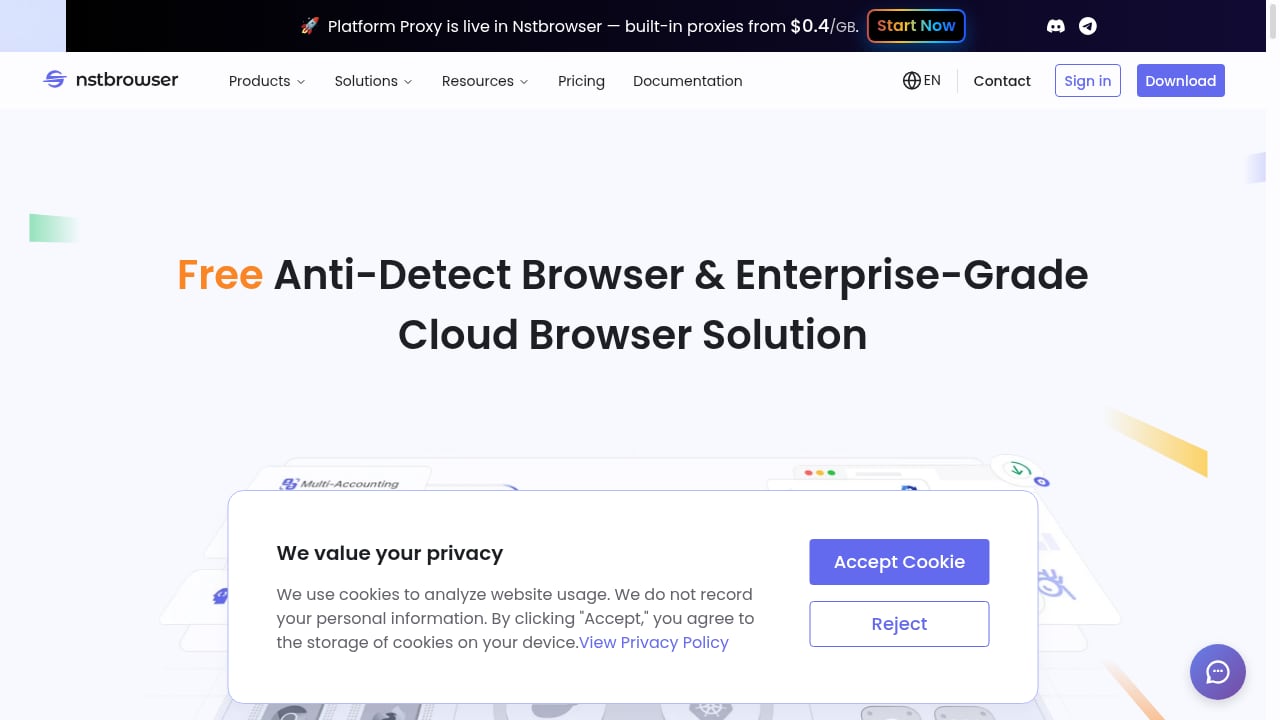
First viewport screenshot of www.nstbrowser.io.
An anti-detect browser controls the signals it sends. A fingerprint test observes those signals the way a website would. Those are different jobs, and skipping the second one is how profiles that look fine in a dashboard still fail in the wild.
- Nstbrowser handles isolation. Each profile gets its own fingerprint, cookies, storage, and proxy binding, so accounts do not share an environment.
- BrowserScan handles verification. It reports your visible IP and location, browser and kernel details, WebRTC and DNS leak status, plugin and canvas signals, proxy and blacklist checks, and an overall fingerprint authenticity score.
- Together they close the loop. You no longer assume a profile is clean; you confirm it before the account touches a target site.
This matters most for multi-accounting, web scraping, affiliate work, and market research, where one leaked real IP or one inconsistent fingerprint can link profiles that were supposed to stay separate.
What each tool contributes
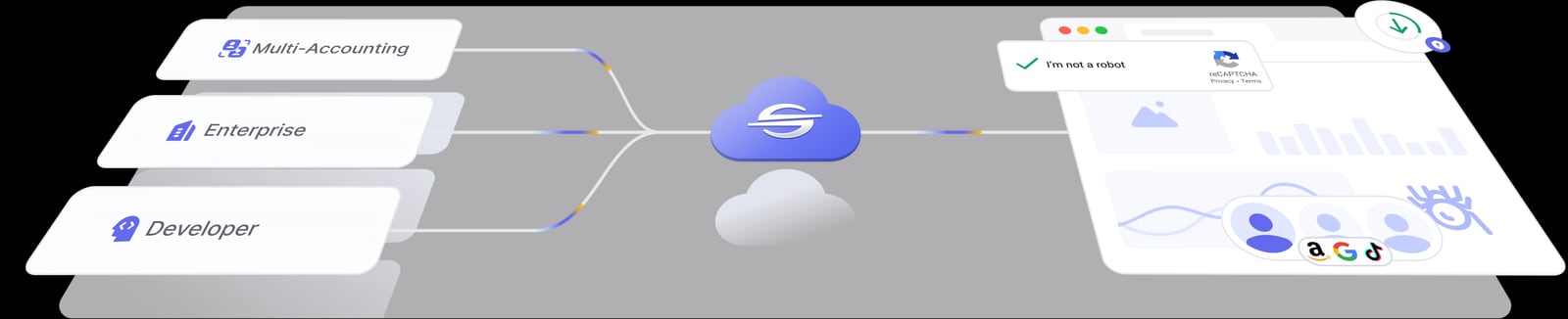
Nstbrowser product interface.
| Layer | Nstbrowser | BrowserScan |
|---|---|---|
| Fingerprint generation | Creates per-profile fingerprints, custom screen settings, Chrome/Firefox-based kernels | Does not generate fingerprints; reports what is visible |
| IP and proxy | Built-in proxies assignable per profile | Shows exit IP, geolocation, proxy and blacklist signals |
| Leak surface | Secure DNS and proxy binding | WebRTC leak test, DNS leak test |
| Automation | RPA, AI Agent Skills, Browserless sessions, Puppeteer/Playwright/Selenium compatibility | Bot detection and browser kernel detection to see how automated a session looks |
| Output | A running, isolated browser environment | A scored, itemized report you can act on |
Prerequisites
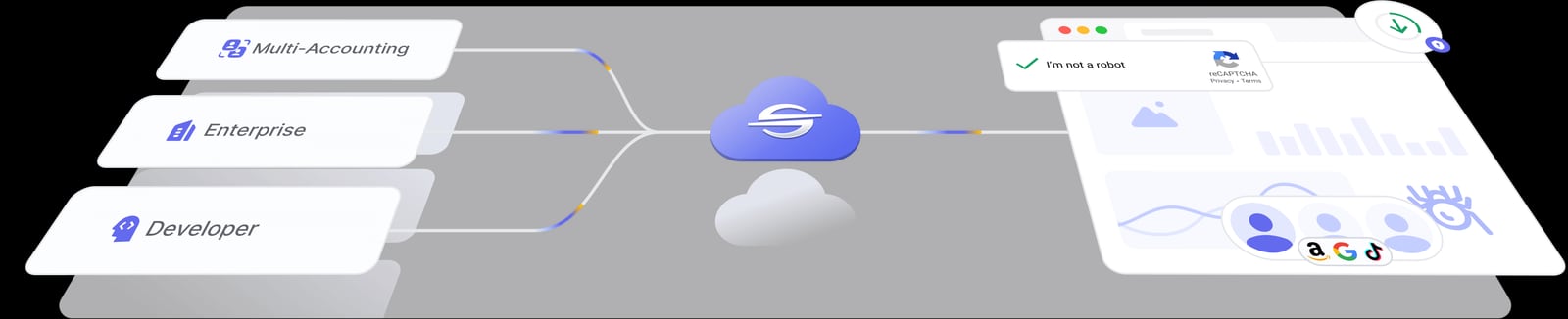
Nstbrowser product interface.
Before you start, have these ready:
- An Nstbrowser account and the client installed, or access to its cloud browser option.
- At least one proxy you trust, ideally matched to the region the account will operate in.
- A BrowserScan session in the same browser profile you want to test, not in your everyday browser. Results are only meaningful inside the environment being checked.
Step-by-step workflow
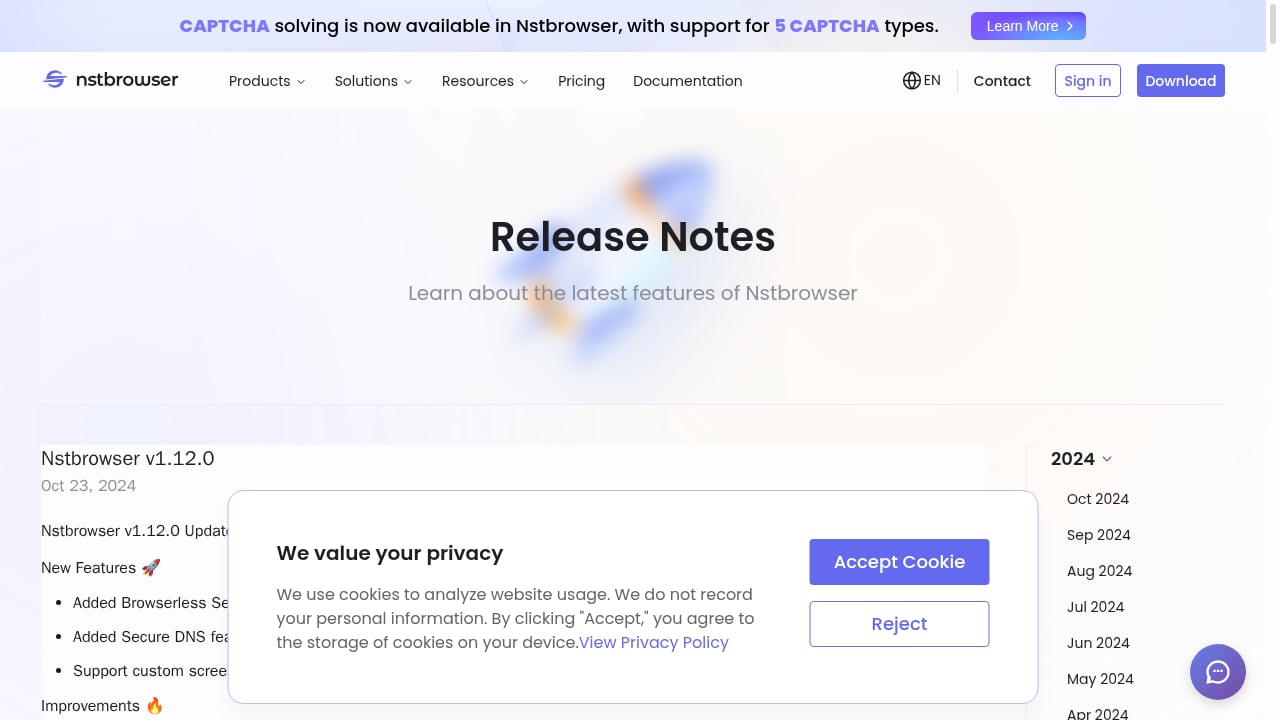
First viewport screenshot of www.nstbrowser.io.
Step 1: Create a profile with a coherent identity
In Nstbrowser, create a new profile and decide its identity up front: target country and city, time zone, language, screen size, and platform. Coherence beats randomness. A profile claiming to be in Germany while running a US proxy and an en-US locale is a mismatch a site can flag without any advanced detection.
Step 2: Bind one proxy per profile
Assign the proxy inside the profile settings so the IP travels with the environment. Keep a simple naming convention, such as client-de-01, so you can trace a profile back to its proxy later. If you plan to rotate proxies, note that rotating mid-session changes your visible IP and can invalidate earlier test results.
Step 3: Launch the profile and open BrowserScan inside it
Start the profile, then navigate to BrowserScan from that window. Do not test from your host browser. The whole point is to see the profile's signals, not your machine's.
Step 4: Read the fingerprint summary first
Start with the top-level report: IP address, approximate location, browser and version, operating system, and the fingerprint authenticity score. Sanity-check the basics before digging deeper:
- Does the reported location match the proxy region you intended?
- Does the OS and browser match what you configured in Nstbrowser?
- Is the score in a range you consider acceptable for your use case?
Step 5: Run the leak tests
Open the WebRTC leak test and the DNS leak test. These are the two checks that most often expose a real-world address behind an otherwise clean-looking profile.
- WebRTC leak: if your real IP appears alongside the proxy IP, WebRTC is bypassing your proxy path. Fix this in the profile or browser settings before using the account.
- DNS leak: if DNS queries resolve through your ISP rather than the proxy's resolver, your true region can surface. Nstbrowser's Secure DNS option is the relevant control here.
Step 6: Check proxy quality and bot signals
Use BrowserScan's proxy and blacklist detection to see whether the exit IP is flagged, and its bot detection to see how automated the session appears. A technically valid proxy on a flagged subnet is still a liability. If you are comparing detection tools more broadly, our ranking of browser fingerprint and IP quality tools puts these checks side by side.
Step 7: Record the baseline and repeat per profile
Save a short record for each profile: date, IP, region, score, leak results, and any anomalies. When something breaks later, you can compare against the baseline instead of starting from zero. Repeat the whole sequence for every new profile before it goes into production.
A practical example: onboarding a new e-commerce account
Suppose you manage a seller account that must appear to operate from the United Kingdom.
- In Nstbrowser, create a profile with a UK proxy, Europe/London time zone, en-GB locale, and a common desktop screen size.
- Launch it and open BrowserScan. Confirm the IP geolocates to the UK and the OS/browser match your configuration.
- Run the WebRTC and DNS leak tests. If either reveals a non-UK address, stop and fix the profile.
- Check the proxy against blacklist signals. A flagged IP is a reason to swap proxies before the first login, not after.
- Log the baseline, then log in to the account.
That five-minute check is far cheaper than recovering a restricted seller account.
A practical example: validating a scraping session
For scraping, the concern shifts from account identity to looking human enough to avoid blocks. Launch a Browserless or RPA-driven session, then point BrowserScan at it to review kernel details, plugin signals, and bot detection output. If the session reads as obviously automated, adjust the fingerprint or slow the interaction pattern before scaling up. Teams running many concurrent sessions should treat this as a gate in the pipeline, not a one-off audit.
Common problems and fixes
The reported location does not match the proxy. Usually a proxy misconfiguration or a stale session. Re-check the proxy binding in the profile and relaunch.
WebRTC shows the real IP. Disable or restrict WebRTC in the profile settings, then retest. Do not proceed until the real address disappears.
DNS resolves outside the proxy region. Enable Secure DNS in Nstbrowser and confirm the resolver follows the proxy region.
The fingerprint score is low despite a clean proxy. Look for internal contradictions: locale versus time zone, screen size versus platform, or a user-agent that does not match the kernel. Coherence is usually the fix.
The IP is flagged. Swap to a cleaner proxy. No amount of fingerprint tuning rescues a burned subnet.
Where the combination stops
BrowserScan tests what a page can observe in a single session. It cannot tell you whether a platform's own risk model will trust an account over weeks, and it does not replace reading each platform's terms of service. Nstbrowser reduces detection risk; it does not make policy violations safe. Treat both tools as measurement and isolation layers, not as permission.
Related reading
- AmIUnique Review: Browser Fingerprint Test & Research Tool - An evidence-based AmIUnique review covering how the fingerprint test works, ideal users, strengths, limits, setup, and how it compares to other tools.
Sources and further reading
- Nstbrowser - A Free Anti-Detection Browser Simplifies Web Scraping and Automation - Nstbrowser is a free fingerprint browser with anti-detection and web unblocking features. It supports cloud container clusters and offers convenient automation and web scraping capabilities. It is ideal for privacy, multi-account operations, web scraping, e-commerce, affiliate marketing, market research, and more.
- Proxies.fo - Access web like it was built for you.
- Nstbrowser Virtual Browsers: Cloud-Based Solutions - Harness the power of cloud-based virtual browsers with Nstbrowser's scalable automation and testing solutions for enterprise operations in 2025
FAQ
Do I need a paid Nstbrowser plan to use BrowserScan with it?
No. BrowserScan is a free online tool, and Nstbrowser offers a free tier with usage-based overages. Paid tiers mainly raise profile, team, and proxy-traffic limits.
Should I run BrowserScan before or after logging in?
Before. Test the profile while it is still clean, fix any leaks or mismatches, and only then log in. Testing after login means a bad signal may already have been recorded against the account.
How often should I retest a profile?
Retest after any change to proxy, fingerprint settings, or browser version, and periodically for long-lived accounts. A profile that passed last month may not pass today.
Does a high fingerprint score guarantee I will not be blocked?
No. It means the observable fingerprint looks consistent and less suspicious. Site-specific risk models, behavior patterns, and IP reputation still influence outcomes.
Can I use BrowserScan to check cloud or Browserless sessions?
Yes, as long as you can open BrowserScan inside that session. The report reflects the environment the page runs in, so cloud sessions can be audited the same way as local profiles.
What is the difference between a WebRTC leak and a DNS leak?
A WebRTC leak exposes your real IP through the browser's real-time communication path. A DNS leak exposes your real resolver, and often your region, through DNS queries. Both can undermine an otherwise correct proxy setup.
Conclusion
Nstbrowser builds the isolated environment; BrowserScan verifies it. The workflow is short: create a coherent profile, bind a proxy, open BrowserScan inside that profile, read the fingerprint summary, run the leak and proxy checks, fix mismatches, and record a baseline. Do that for every profile before it touches a real account, and you replace hopeful configuration with evidence. To go deeper on interpreting the scores, see our guide to fingerprint uniqueness scores, and if you are weighing testing tools, the BrowserScan versus BrowserCheck comparison covers the trade-offs.
;}.cls-2{fill:%230868f7;}.cls-3{fill:url(%23未命名的渐变_44);}.cls-4{fill:%23333;}%3c/style%3e%3clinearGradient%20id='未命名的渐变_8'%20x1='33.73'%20y1='100.61'%20x2='-0.03'%20y2='-1.06'%20gradientUnits='userSpaceOnUse'%3e%3cstop%20offset='0'%20stop-color='%237ae9fb'/%3e%3cstop%20offset='0.67'%20stop-color='%232b90f8'/%3e%3cstop%20offset='1'%20stop-color='%230868f7'/%3e%3c/linearGradient%3e%3clinearGradient%20id='未命名的渐变_44'%20x1='27.86'%20y1='18.67'%20x2='68.36'%20y2='22.22'%20gradientUnits='userSpaceOnUse'%3e%3cstop%20offset='0'%20stop-color='%235ac7f2'/%3e%3cstop%20offset='1'%20stop-color='%230868f7'/%3e%3c/linearGradient%3e%3c/defs%3e%3cpath%20class='cls-1'%20d='M29,28.74V81.91l-9.51-3.68v0L8.52,74A7.17,7.17,0,0,1,4,67.32V24.54A3.76,3.76,0,0,1,9.08,21Z'/%3e%3cpath%20class='cls-2'%20d='M68.09,78.07a13.15,13.15,0,0,1-17.9,12.06L29,81.91h0V28.74L50.19,37A13.17,13.17,0,0,0,68.08,25.3h0Z'/%3e%3cpath%20class='cls-3'%20d='M68.08,25.3a13.19,13.19,0,0,1-6.73,10.87A13.09,13.09,0,0,1,50.19,37L29,28.74V6A3.76,3.76,0,0,1,34.1,2.52l25.59,9.91A13.22,13.22,0,0,1,68.08,25.3Z'/%3e%3cpath%20class='cls-4'%20d='M129.06,81.76a4.33,4.33,0,0,1-3.19-1.31,4.4,4.4,0,0,1-1.31-3.24V56.86H97.65V77.21a4.36,4.36,0,0,1-1.35,3.2A4.68,4.68,0,0,1,93,81.76a4.32,4.32,0,0,1-3.19-1.31,4.37,4.37,0,0,1-1.32-3.24V27.27A4.58,4.58,0,0,1,89.83,24a4.59,4.59,0,0,1,7.82,3.27V48.15h26.91V27.27A4.58,4.58,0,0,1,125.91,24a4.59,4.59,0,0,1,7.82,3.27V77.21a4.37,4.37,0,0,1-1.36,3.2A4.65,4.65,0,0,1,129.06,81.76Z'/%3e%3cpath%20class='cls-4'%20d='M163.77,81.66c-6.57,0-11.76-1.92-15.44-5.7s-5.54-9.07-5.54-15.74a26.76,26.76,0,0,1,2.09-10.43,17.72,17.72,0,0,1,6.67-8.06,19.15,19.15,0,0,1,10.68-2.95,19,19,0,0,1,10.46,2.8,18.7,18.7,0,0,1,6.55,7.36,22.53,22.53,0,0,1,2.36,10.28A4.51,4.51,0,0,1,177,63.77H152.23a10.8,10.8,0,0,0,3.49,6.65c2,1.68,4.88,2.52,8.66,2.52a22.25,22.25,0,0,0,7.54-1.21c.74-.3,1.55-.67,2.37-1.07a3.75,3.75,0,0,1,1.84-.4,4.09,4.09,0,0,1,3,1.15,4,4,0,0,1,1.12,3,4.38,4.38,0,0,1-2.58,3.82,32.34,32.34,0,0,1-6.36,2.61A28.67,28.67,0,0,1,163.77,81.66ZM172.4,55.9a9.72,9.72,0,0,0-1.63-4.56A9.9,9.9,0,0,0,167,48a10.38,10.38,0,0,0-4.64-1.14,12,12,0,0,0-4.77,1.06,9.54,9.54,0,0,0-4.89,5.66,11.78,11.78,0,0,0-.51,2.3Z'/%3e%3cpath%20class='cls-4'%20d='M193,81.64a4.49,4.49,0,0,1-4.51-4.55V27.28A4.58,4.58,0,0,1,189.84,24a4.48,4.48,0,0,1,3.28-1.36A4.36,4.36,0,0,1,196.35,24a4.46,4.46,0,0,1,1.31,3.31V77.09a4.34,4.34,0,0,1-1.35,3.2A4.67,4.67,0,0,1,193,81.64Z'/%3e%3cpath%20class='cls-4'%20d='M263.79,81.71a5.7,5.7,0,0,1-4.2-1.74,5.76,5.76,0,0,1-1.73-4.19V27.37a4.58,4.58,0,0,1,1.35-3.27A4.59,4.59,0,0,1,267,27.37V72.53h24a4.58,4.58,0,0,1,3.27,7.82A4.66,4.66,0,0,1,291,81.71Z'/%3e%3cpath%20class='cls-4'%20d='M424.48,81.74a4.71,4.71,0,0,1-2.71-.88,5.43,5.43,0,0,1-1-1l-.07-.09-12.41-17-5.41,5v9.44a4.31,4.31,0,0,1-1.36,3.19,4.66,4.66,0,0,1-3.3,1.36A4.29,4.29,0,0,1,395,80.42a4.36,4.36,0,0,1-1.32-3.23V27.37A4.58,4.58,0,0,1,395,24.1a4.52,4.52,0,0,1,6.58.12,4.54,4.54,0,0,1,1.24,3.15V56.31l17.72-16.38.05,0a4.8,4.8,0,0,1,2.94-1.11,4.4,4.4,0,0,1,3.27,1.2,4.57,4.57,0,0,1,1.2,3.27,4.44,4.44,0,0,1-.77,2.33,7.45,7.45,0,0,1-1.43,1.65l-11,9.64,13.34,17.68a5,5,0,0,1,1,2.71,4.12,4.12,0,0,1-1.36,3.24A4.64,4.64,0,0,1,424.48,81.74Z'/%3e%3cpath%20class='cls-4'%20d='M317.93,81.76a21.5,21.5,0,1,1,21.17-21.5A21.37,21.37,0,0,1,317.93,81.76Zm0-34.1a12.61,12.61,0,1,0,12.42,12.6A12.52,12.52,0,0,0,317.93,47.66Z'/%3e%3cpath%20class='cls-4'%20d='M212.18,101.22a4.12,4.12,0,0,1-3.05-1.26,4.17,4.17,0,0,1-1.26-3.1V43.34a4.37,4.37,0,0,1,1.3-3.14,4.26,4.26,0,0,1,3.13-1.3,4.19,4.19,0,0,1,3.1,1.26,4.32,4.32,0,0,1,1.26,3.16,20.77,20.77,0,0,1,13-4.54,21.51,21.51,0,0,1,0,43,20.51,20.51,0,0,1-13-4.57V96.86a4.15,4.15,0,0,1-1.3,3.06A4.5,4.5,0,0,1,212.18,101.22Zm17.43-53.63c-6.23,0-12.93,4.11-12.93,12.72a12.73,12.73,0,0,0,25.46,0A12.71,12.71,0,0,0,229.61,47.59Z'/%3e%3cpath%20class='cls-4'%20d='M365.76,81.76a21.5,21.5,0,1,1,21.18-21.5A21.37,21.37,0,0,1,365.76,81.76Zm0-34.1a12.61,12.61,0,1,0,12.42,12.6A12.52,12.52,0,0,0,365.76,47.66Z'/%3e%3c/svg%3e)