
BrowserScan vs PrivacyTestLab vs WhatIsMyBrowser.com
Choosing a browser privacy or detection tool can feel like comparing apples to oranges—especially when each tool answers a different question. BrowserScan, PrivacyTestLab, and WhatIsMyBrowser.com all deal with your browser, but they serve distinct purposes: fingerprinting and leak detection, independent privacy testing and education, and straightforward browser identification. This article breaks down what each tool does best, where it falls short, and how to pick the right one for your needs.
Quick comparison at a glance
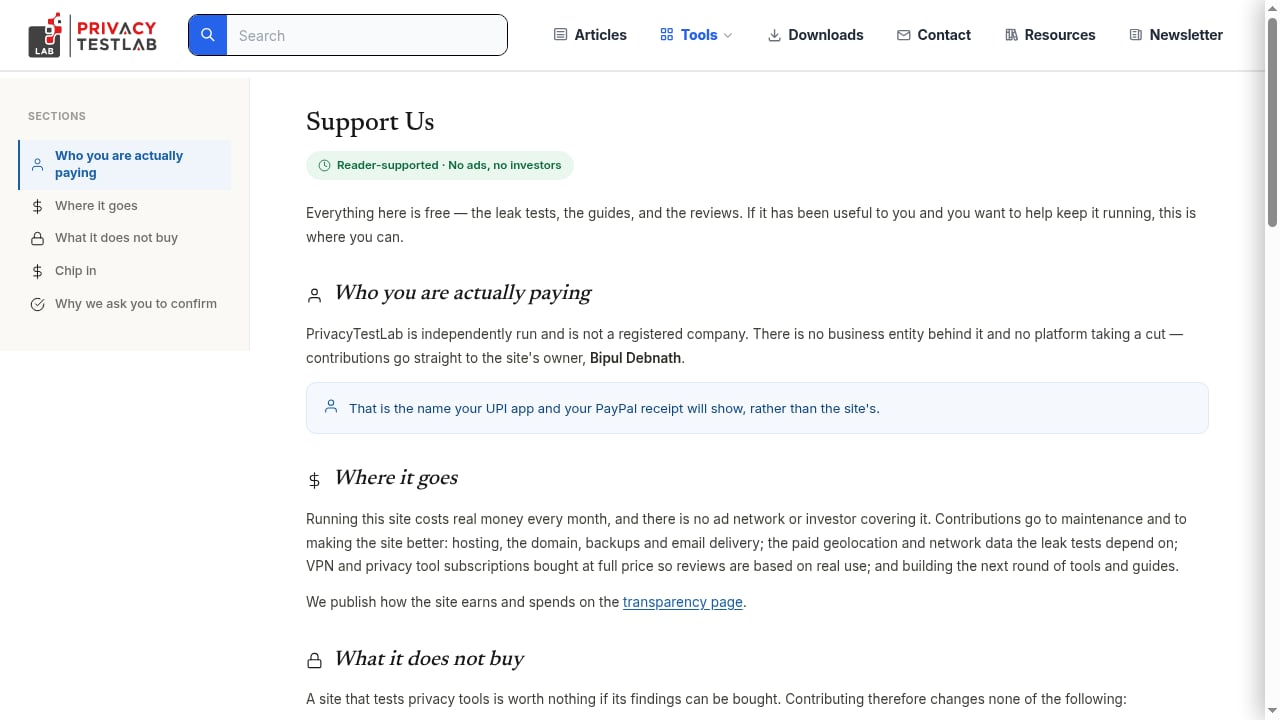
First viewport screenshot of privacytestlab.com.
| Feature | BrowserScan | PrivacyTestLab | WhatIsMyBrowser.com |
|---|---|---|---|
| Primary focus | Fingerprinting & privacy leaks | Privacy testing & education | Browser detection & troubleshooting |
| Fingerprint authenticity score | Yes | Not specified | No |
| WebRTC leak test | Yes | Yes | No |
| DNS leak test | Yes | Yes | No |
| Bot detection | Yes | Not specified | No |
| Browser kernel detection | Yes | Not specified | No |
| Plugin detection | Yes | Not specified | No |
| Proxy & blacklist detection | Yes | Not specified | No |
| Browser version check | Yes | Not specified | Yes |
| JavaScript/cookie support check | Not specified | Not specified | Yes |
| Step-by-step update guides | Not specified | Not specified | Yes |
| Educational articles & reviews | Limited | Extensive | Limited (troubleshooting) |
| Developer API | Not specified | Not specified | Yes |
| Independence & transparency | Not specified | Strong (reader-supported, no ads) | Donation-supported |
Note: “Not specified” means the feature was not confirmed in the available product information; it may still exist.
What each tool does best
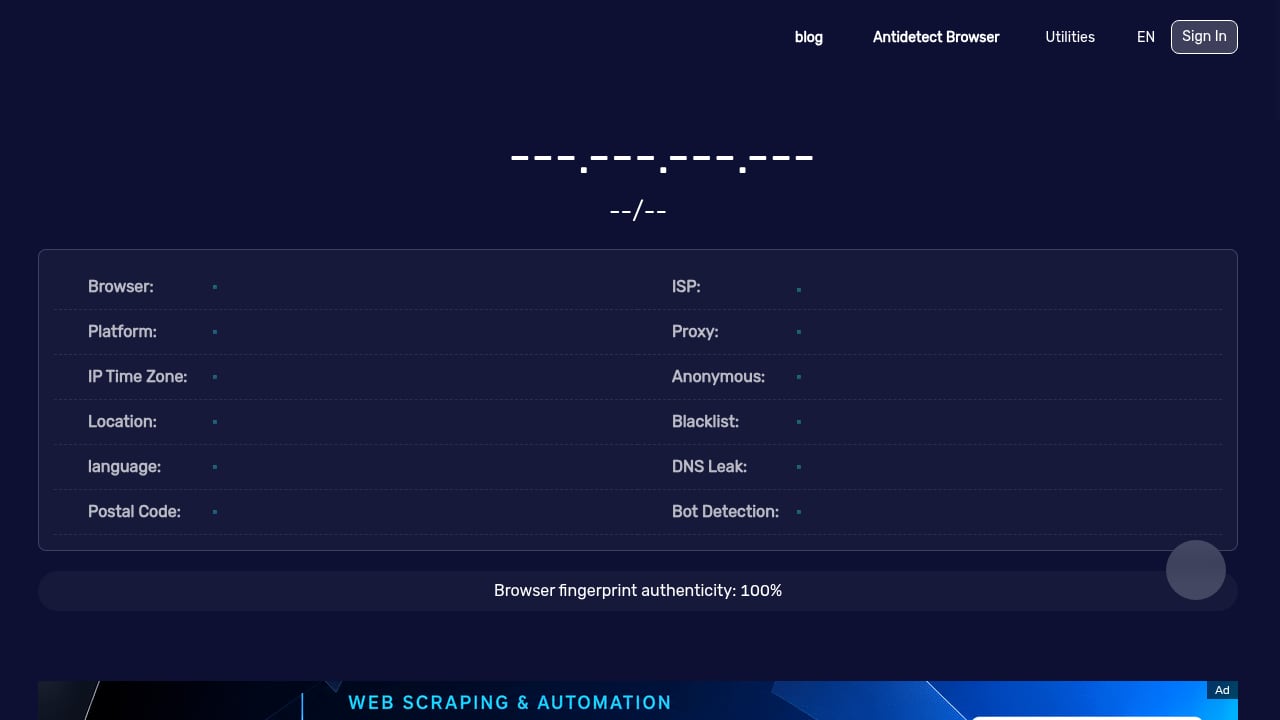
First viewport screenshot of www.browserscan.net.
BrowserScan: deep fingerprinting and leak detection
BrowserScan is built for privacy-conscious users, developers, and security professionals who want to see exactly what websites can infer about them. It analyzes your browser fingerprint—including IP address, location, browser details, and potential leaks—and provides a fingerprint authenticity score. Beyond fingerprinting, it offers a suite of tests: DNS leak test, WebRTC leak test, bot detection, browser kernel detection, plugin detection, and real-time proxy and blacklist detection. It also includes utilities like 2FA code generation, cookie conversion, and port scanning.
Best for: Anyone who needs a comprehensive, technical view of their browser's fingerprint and privacy posture, or who wants to verify anonymity and detect automation.
PrivacyTestLab: independent testing and education
PrivacyTestLab is an independent, free resource focused on real-time privacy and security testing plus in-depth guides. It helps you detect WebRTC leaks, DNS leaks, and browser fingerprinting, test VPN protection, and understand tracking. It offers a privacy score check and publishes detailed reviews of browsers, VPNs, DNS servers, and antivirus software, along with news on data breaches and privacy scams. The site is reader-supported, with no ads or investors, and run by an individual—emphasizing transparency and independence.
Best for: Readers who want a trustworthy, ad-free source of privacy testing tools and educational content, and who value independent reviews.
WhatIsMyBrowser.com: simple browser detection and troubleshooting
WhatIsMyBrowser.com is a free utility that identifies your browser, version, and key settings like JavaScript and cookie support. It's aimed at everyday users who want to know what browser they're using, check if it's out of date, and troubleshoot website problems, as well as developers who need reliable browser detection via an API. The site provides step-by-step guides for updating browsers, enabling JavaScript and cookies, clearing cache, updating operating systems, managing pop-ups, and general website troubleshooting, with localized guides in German, Spanish, and French. It also maintains a user agent listing and explicitly notes it cannot help identify who hacked an account.
Best for: Non-technical users seeking quick answers and fixes, and developers who need a browser detection API.
Where BrowserScan stands out
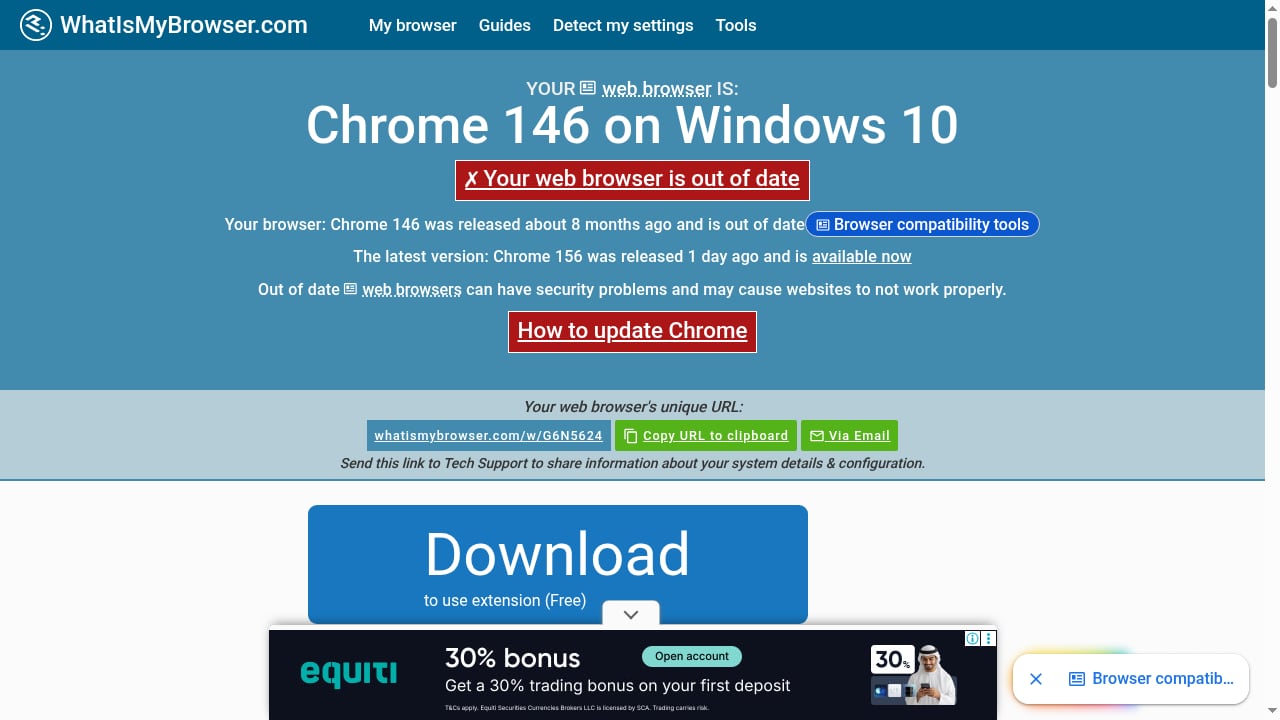
First viewport screenshot of www.whatismybrowser.com.
BrowserScan's core advantage is depth in fingerprinting and leak detection. If you need to know not just what browser you're using but how uniquely identifiable you are, BrowserScan provides a fingerprint authenticity score and a broad set of detection tools—including bot detection, kernel detection, and proxy/blacklist checks—that go beyond basic leak tests. Its utilities (2FA, cookie conversion, port scanning) add practical value for technical users.
For a deeper dive into how BrowserScan compares specifically with WhatIsMyBrowser.com, see our dedicated comparison. If you're planning a thorough privacy audit, our guide to professional-grade tools for browser privacy audits explains how to combine fingerprint and leak tests effectively.
Where PrivacyTestLab and WhatIsMyBrowser.com shine
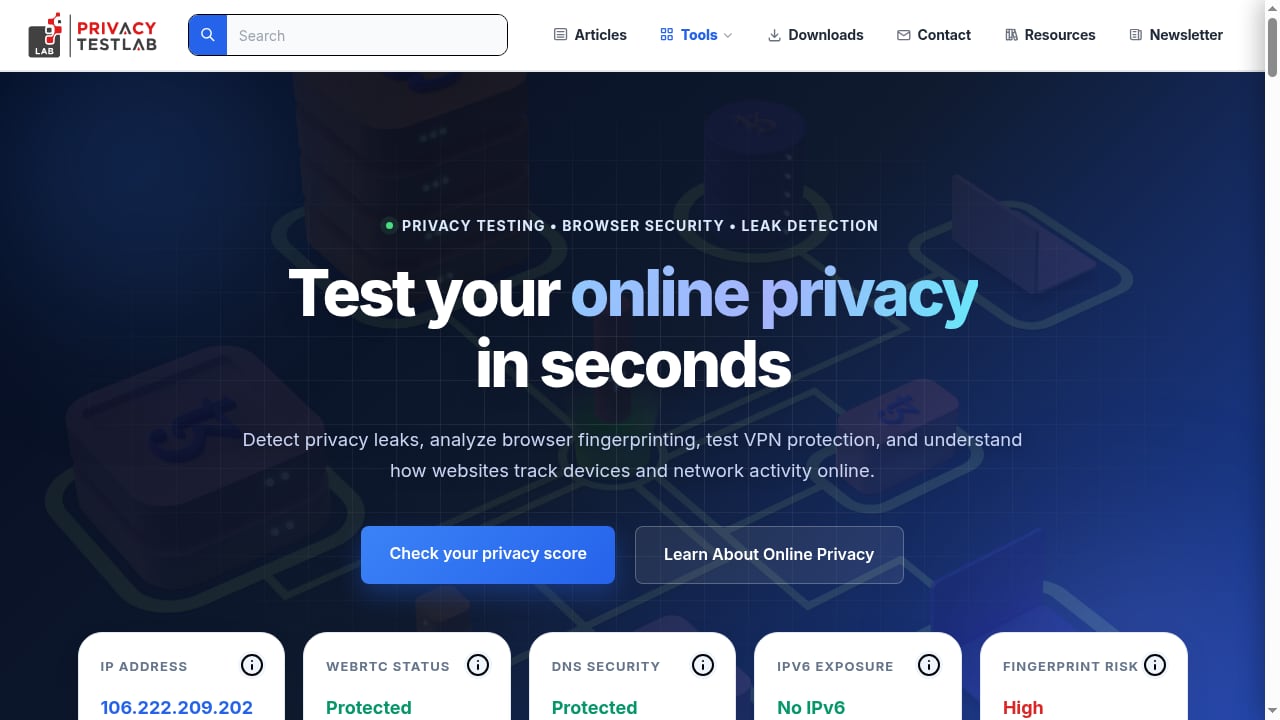
First viewport screenshot of privacytestlab.com.
Both substitutes have clear strengths that BrowserScan does not claim to match.
PrivacyTestLab excels in editorial independence and educational depth. Its reader-supported model with no ads or investors makes it a credible source for unbiased reviews and privacy news. The combination of testing tools and in-depth articles on DNS, VPNs, tracking, and fingerprinting makes it a one-stop learning resource. If you value transparency and want to understand the "why" behind privacy tests, PrivacyTestLab is a strong choice.
WhatIsMyBrowser.com is unmatched for simplicity and troubleshooting. Its step-by-step guides for updating browsers, enabling JavaScript, clearing cache, and more are perfect for non-technical users. The developer API provides reliable browser detection for applications. The localized guides in German, Spanish, and French extend its reach. If your goal is to fix a website problem or identify a browser version, WhatIsMyBrowser.com is often the fastest route.
How to choose the right tool
Your choice depends on the question you're asking:
- "How unique is my browser fingerprint, and am I leaking data?" → BrowserScan. Its fingerprint authenticity score and comprehensive leak tests give you a detailed picture.
- "I want to learn about privacy and read independent reviews." → PrivacyTestLab. Its educational content and ad-free model are ideal for building knowledge.
- "What browser am I using, and how do I update it?" → WhatIsMyBrowser.com. Its simple detection and step-by-step guides solve everyday problems.
- "I need to detect browsers programmatically." → WhatIsMyBrowser.com's API is designed for developers.
- "I want to check for bot detection or kernel details." → BrowserScan offers these specialized tests.
Many users will benefit from combining tools: use WhatIsMyBrowser.com for quick identification, PrivacyTestLab for learning, and BrowserScan for deep fingerprint and leak analysis. For a broader overview of available suites, see our top 10 browser privacy and fingerprinting test suites.
Practical examples
Example 1: A privacy-conscious user wants to verify their VPN is working. They run BrowserScan's WebRTC and DNS leak tests, check their fingerprint authenticity score, and review proxy detection. They then read PrivacyTestLab's guide on VPN leaks to understand the results.
Example 2: A developer needs to detect browser versions for analytics. They use WhatIsMyBrowser.com's API to identify browsers reliably. For deeper fingerprinting insights in their testing, they might use BrowserScan's bot detection and kernel detection.
Example 3: An everyday user can't log into a website. They visit WhatIsMyBrowser.com, discover their browser is outdated, and follow the step-by-step update guide. Problem solved.
Related reading
- BrowserInsight Review: Fingerprint Check & Privacy Tools - An evidence-based review of BrowserInsight's free client-side fingerprint, IP, VPN, and speed tools—covering strengths, limits, and who benefits.
Sources and further reading
- BrowserScan vs WhatIsMyBrowser.com: Which Tool Fits? - BrowserScan and WhatIsMyBrowser.com both tell you something about the browser you are using, but they answer different questions. BrowserScan focuses on what websites can infer about you — your…
- PrivacyTestLab - Instantly detect WebRTC leaks, DNS leaks, and browser fingerprinting. Free real-time privacy and VPN tunnel testing.
Frequently asked questions
Is BrowserScan free?
Yes, BrowserScan is a free online tool. It offers a suite of privacy and security tests without charge.
Can PrivacyTestLab replace BrowserScan?
Not entirely. PrivacyTestLab offers leak tests and fingerprinting detection, but BrowserScan provides additional specialized tests like bot detection, kernel detection, and proxy/blacklist checks, plus utilities like 2FA and port scanning. They serve overlapping but distinct needs.
Does WhatIsMyBrowser.com test for privacy leaks?
No. WhatIsMyBrowser.com focuses on browser identification and troubleshooting, not privacy leak testing. For leak tests, use BrowserScan or PrivacyTestLab.
Which tool is best for developers?
WhatIsMyBrowser.com offers a dedicated API for browser detection. BrowserScan provides technical tests useful for developers auditing fingerprints or automation. The best choice depends on whether you need detection (WhatIsMyBrowser.com) or fingerprint analysis (BrowserScan).
Are these tools independent?
PrivacyTestLab explicitly states it is reader-supported with no ads or investors, emphasizing independence. WhatIsMyBrowser.com is donation-supported. BrowserScan's funding model is not specified in the available information.
Conclusion
BrowserScan, PrivacyTestLab, and WhatIsMyBrowser.com each serve different audiences and answer different questions. BrowserScan leads in fingerprinting depth and specialized leak detection, PrivacyTestLab excels in independent education and reviews, and WhatIsMyBrowser.com is the go-to for simple browser identification and troubleshooting. Rather than choosing one, consider using them together: start with WhatIsMyBrowser.com for quick identification, learn with PrivacyTestLab, and dive deep with BrowserScan when you need to understand your fingerprint and leaks. For a closer look at BrowserScan versus WhatIsMyBrowser.com, read our full comparison.
;}.cls-2{fill:%230868f7;}.cls-3{fill:url(%23未命名的渐变_44);}.cls-4{fill:%23333;}%3c/style%3e%3clinearGradient%20id='未命名的渐变_8'%20x1='33.73'%20y1='100.61'%20x2='-0.03'%20y2='-1.06'%20gradientUnits='userSpaceOnUse'%3e%3cstop%20offset='0'%20stop-color='%237ae9fb'/%3e%3cstop%20offset='0.67'%20stop-color='%232b90f8'/%3e%3cstop%20offset='1'%20stop-color='%230868f7'/%3e%3c/linearGradient%3e%3clinearGradient%20id='未命名的渐变_44'%20x1='27.86'%20y1='18.67'%20x2='68.36'%20y2='22.22'%20gradientUnits='userSpaceOnUse'%3e%3cstop%20offset='0'%20stop-color='%235ac7f2'/%3e%3cstop%20offset='1'%20stop-color='%230868f7'/%3e%3c/linearGradient%3e%3c/defs%3e%3cpath%20class='cls-1'%20d='M29,28.74V81.91l-9.51-3.68v0L8.52,74A7.17,7.17,0,0,1,4,67.32V24.54A3.76,3.76,0,0,1,9.08,21Z'/%3e%3cpath%20class='cls-2'%20d='M68.09,78.07a13.15,13.15,0,0,1-17.9,12.06L29,81.91h0V28.74L50.19,37A13.17,13.17,0,0,0,68.08,25.3h0Z'/%3e%3cpath%20class='cls-3'%20d='M68.08,25.3a13.19,13.19,0,0,1-6.73,10.87A13.09,13.09,0,0,1,50.19,37L29,28.74V6A3.76,3.76,0,0,1,34.1,2.52l25.59,9.91A13.22,13.22,0,0,1,68.08,25.3Z'/%3e%3cpath%20class='cls-4'%20d='M129.06,81.76a4.33,4.33,0,0,1-3.19-1.31,4.4,4.4,0,0,1-1.31-3.24V56.86H97.65V77.21a4.36,4.36,0,0,1-1.35,3.2A4.68,4.68,0,0,1,93,81.76a4.32,4.32,0,0,1-3.19-1.31,4.37,4.37,0,0,1-1.32-3.24V27.27A4.58,4.58,0,0,1,89.83,24a4.59,4.59,0,0,1,7.82,3.27V48.15h26.91V27.27A4.58,4.58,0,0,1,125.91,24a4.59,4.59,0,0,1,7.82,3.27V77.21a4.37,4.37,0,0,1-1.36,3.2A4.65,4.65,0,0,1,129.06,81.76Z'/%3e%3cpath%20class='cls-4'%20d='M163.77,81.66c-6.57,0-11.76-1.92-15.44-5.7s-5.54-9.07-5.54-15.74a26.76,26.76,0,0,1,2.09-10.43,17.72,17.72,0,0,1,6.67-8.06,19.15,19.15,0,0,1,10.68-2.95,19,19,0,0,1,10.46,2.8,18.7,18.7,0,0,1,6.55,7.36,22.53,22.53,0,0,1,2.36,10.28A4.51,4.51,0,0,1,177,63.77H152.23a10.8,10.8,0,0,0,3.49,6.65c2,1.68,4.88,2.52,8.66,2.52a22.25,22.25,0,0,0,7.54-1.21c.74-.3,1.55-.67,2.37-1.07a3.75,3.75,0,0,1,1.84-.4,4.09,4.09,0,0,1,3,1.15,4,4,0,0,1,1.12,3,4.38,4.38,0,0,1-2.58,3.82,32.34,32.34,0,0,1-6.36,2.61A28.67,28.67,0,0,1,163.77,81.66ZM172.4,55.9a9.72,9.72,0,0,0-1.63-4.56A9.9,9.9,0,0,0,167,48a10.38,10.38,0,0,0-4.64-1.14,12,12,0,0,0-4.77,1.06,9.54,9.54,0,0,0-4.89,5.66,11.78,11.78,0,0,0-.51,2.3Z'/%3e%3cpath%20class='cls-4'%20d='M193,81.64a4.49,4.49,0,0,1-4.51-4.55V27.28A4.58,4.58,0,0,1,189.84,24a4.48,4.48,0,0,1,3.28-1.36A4.36,4.36,0,0,1,196.35,24a4.46,4.46,0,0,1,1.31,3.31V77.09a4.34,4.34,0,0,1-1.35,3.2A4.67,4.67,0,0,1,193,81.64Z'/%3e%3cpath%20class='cls-4'%20d='M263.79,81.71a5.7,5.7,0,0,1-4.2-1.74,5.76,5.76,0,0,1-1.73-4.19V27.37a4.58,4.58,0,0,1,1.35-3.27A4.59,4.59,0,0,1,267,27.37V72.53h24a4.58,4.58,0,0,1,3.27,7.82A4.66,4.66,0,0,1,291,81.71Z'/%3e%3cpath%20class='cls-4'%20d='M424.48,81.74a4.71,4.71,0,0,1-2.71-.88,5.43,5.43,0,0,1-1-1l-.07-.09-12.41-17-5.41,5v9.44a4.31,4.31,0,0,1-1.36,3.19,4.66,4.66,0,0,1-3.3,1.36A4.29,4.29,0,0,1,395,80.42a4.36,4.36,0,0,1-1.32-3.23V27.37A4.58,4.58,0,0,1,395,24.1a4.52,4.52,0,0,1,6.58.12,4.54,4.54,0,0,1,1.24,3.15V56.31l17.72-16.38.05,0a4.8,4.8,0,0,1,2.94-1.11,4.4,4.4,0,0,1,3.27,1.2,4.57,4.57,0,0,1,1.2,3.27,4.44,4.44,0,0,1-.77,2.33,7.45,7.45,0,0,1-1.43,1.65l-11,9.64,13.34,17.68a5,5,0,0,1,1,2.71,4.12,4.12,0,0,1-1.36,3.24A4.64,4.64,0,0,1,424.48,81.74Z'/%3e%3cpath%20class='cls-4'%20d='M317.93,81.76a21.5,21.5,0,1,1,21.17-21.5A21.37,21.37,0,0,1,317.93,81.76Zm0-34.1a12.61,12.61,0,1,0,12.42,12.6A12.52,12.52,0,0,0,317.93,47.66Z'/%3e%3cpath%20class='cls-4'%20d='M212.18,101.22a4.12,4.12,0,0,1-3.05-1.26,4.17,4.17,0,0,1-1.26-3.1V43.34a4.37,4.37,0,0,1,1.3-3.14,4.26,4.26,0,0,1,3.13-1.3,4.19,4.19,0,0,1,3.1,1.26,4.32,4.32,0,0,1,1.26,3.16,20.77,20.77,0,0,1,13-4.54,21.51,21.51,0,0,1,0,43,20.51,20.51,0,0,1-13-4.57V96.86a4.15,4.15,0,0,1-1.3,3.06A4.5,4.5,0,0,1,212.18,101.22Zm17.43-53.63c-6.23,0-12.93,4.11-12.93,12.72a12.73,12.73,0,0,0,25.46,0A12.71,12.71,0,0,0,229.61,47.59Z'/%3e%3cpath%20class='cls-4'%20d='M365.76,81.76a21.5,21.5,0,1,1,21.18-21.5A21.37,21.37,0,0,1,365.76,81.76Zm0-34.1a12.61,12.61,0,1,0,12.42,12.6A12.52,12.52,0,0,0,365.76,47.66Z'/%3e%3c/svg%3e)